
How To Get Delta Executor VNG Key (2026)
Delta VNG is the best Roblox script executor, but to access its features, you need to get its key. To get the Delta Executor Key, the process is very simple. All you need is to follow a few steps on a third-party website, known as Linkvertise.com.
Don’t worry, the Delta VNG Key process is not new; almost all Roblox Executors, i.e., CodeX, Arceus, Ronix, use this as a means to monetize their product and maintain server cost.
If you are here to get the Delta VNG key, then don’t look further because we have you covered. Follow our step-by-step guide to get the Delta key in a couple of minutes.
Note: Never use Key Bypass websites. You will get banned from using Delta Executor.
How To Get the Delta Executor VNG Key – Delta Android Key System Guide
The method to get the Delta Key is 100% safe and secure. You can follow these steps on your Android or PC using an Emulator
Step 1: First, download Delta VNG and install it on your Android device
Step 2: Launch the Delta VNG on your mobile, which looks similar to the Roblox icon.
Step 3: Now, sign in/Sign up to Roblox using your username and password, and then start to play any game.
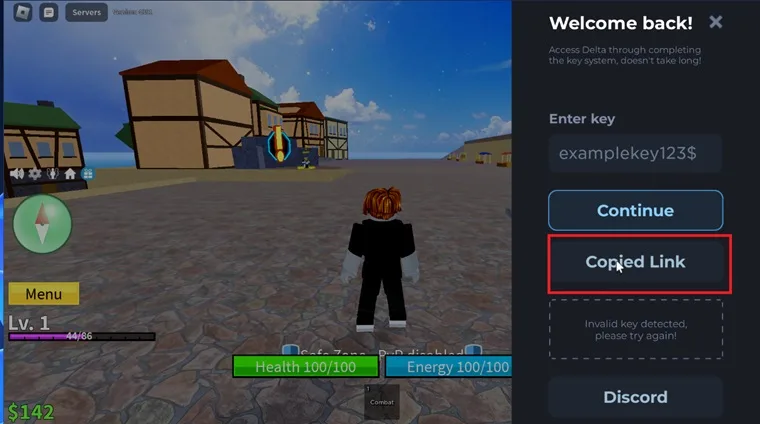
Step 4: You will see the window below. Click on the “Copy Link,” open the web browser, and paste it.
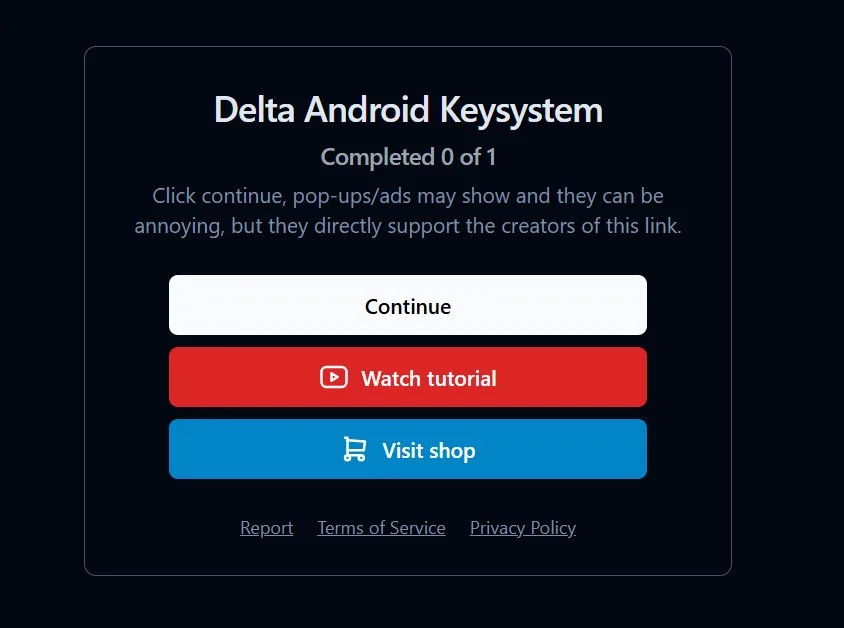
Step 5: The window will show you two options: either tap on “Continue” or choose to watch a video about the process to get the Delta Executor key. (See the image below)
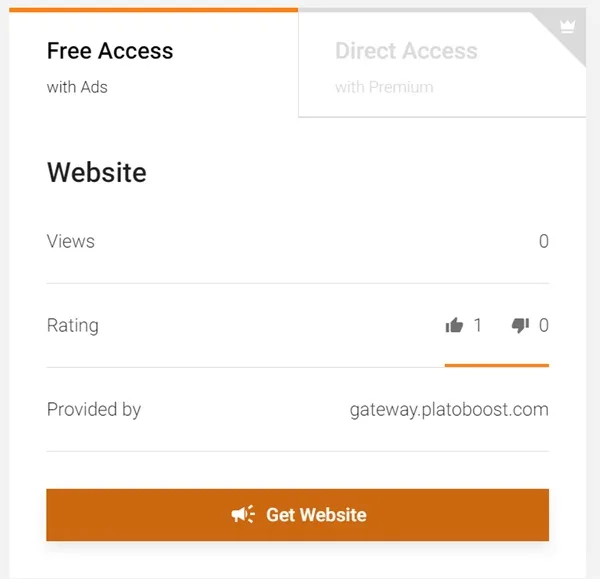
Step 6: Once you click on “Continue,” you will be redirected to the LinkVerstise page.

Step 7: Here, you have to complete a task that comprises visiting the website and exploring it.
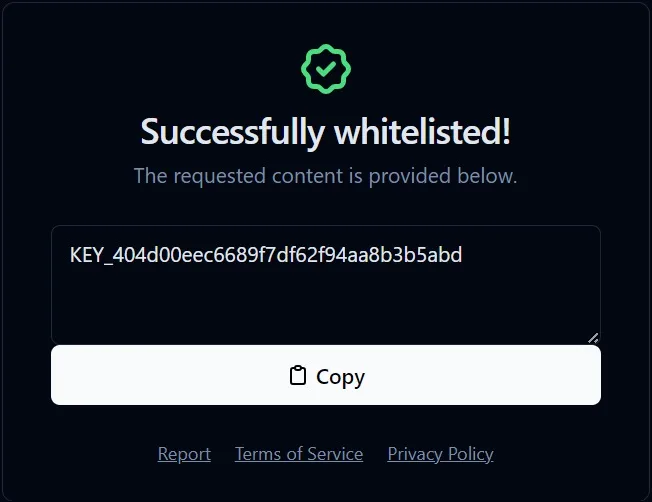
Step 8: Once the task is finished, you will see a message telling you that you have successfully whitelisted the executor.
Step 9: Now, copy the key and reopen Delta Mobile. Click on the continue button it will automatically insert the key.
Now that you have activated Delta, you can run scripts.